

Team chat
Keep everyone in the loop.
Keep messages, photos and updates in the same conversation.
Explore team chat
Chat. Plan. Recognize. Hire.
All in one workspace.
Your workspace. Your people. All together.
Tap the tabs in the phone to explore.
Sample data. No sign-up needed.

Illustrative preview · Sample team
A better way to work together
Team conversations, schedules and recognition.
One connected workspace.
Team chat
Keep messages, photos and updates in the same conversation.
Explore team chat
Scheduling
Plan shifts and help everyone see when they’re working.
Explore scheduling
Recognition
Give gold stars and show your people their effort matters.
Explore recognitionYour business. Your workspace.
Create a space for your business, then bring your people in.
Hiring, with a human touch
Explore people looking for work nearby. Find the skills you need and invite someone to interview.
Explore hiring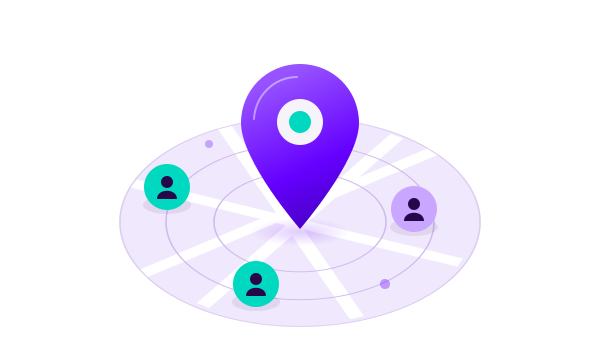
Candidates choose when to be listed.
Hiring decisions stay with you.
Looking for work?
Create your work profile
A little clarity
Create your owner account, confirm your email and name your workspace. Then invite your team. Your business stays separate from other businesses on Kyte.
Invite each person using their email. They can create an account or sign in, then open their personal invitation link to join your workspace.
Access requires sign-in and active membership. Business roles control tools such as administration and Hiring. Private conversations have their own access rules.
Yes. A work profile stays private until its owner chooses to publish it. Candidates decide whether to accept interview requests and share their résumé.
Your team, together.
Already have a workspace? Log in